 Textley
Tabs that keep your place
Open files sit in the sidebar as tabs. Each one keeps its own edits, undo history, selection, and scroll position. Move any tab to its own Mac window to see two files side by side.
Native Mac app · Free · Version 1.1.3
Textley is a native Mac editor for code, text, and Markdown. Open your folders, keep files in sidebar tabs, get syntax coloring for seven languages, and preview Markdown before you save. When you want help, Claude Code or Codex can work in the same files.
Free · Source available · Apple silicon · macOS 14 or later
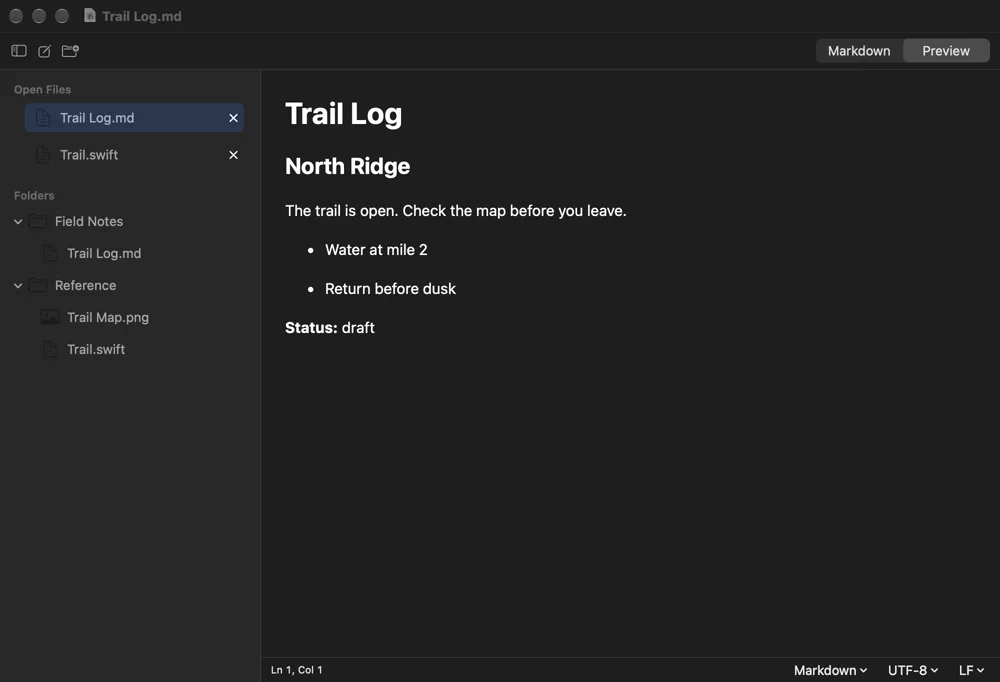
Trail Log
North Ridge
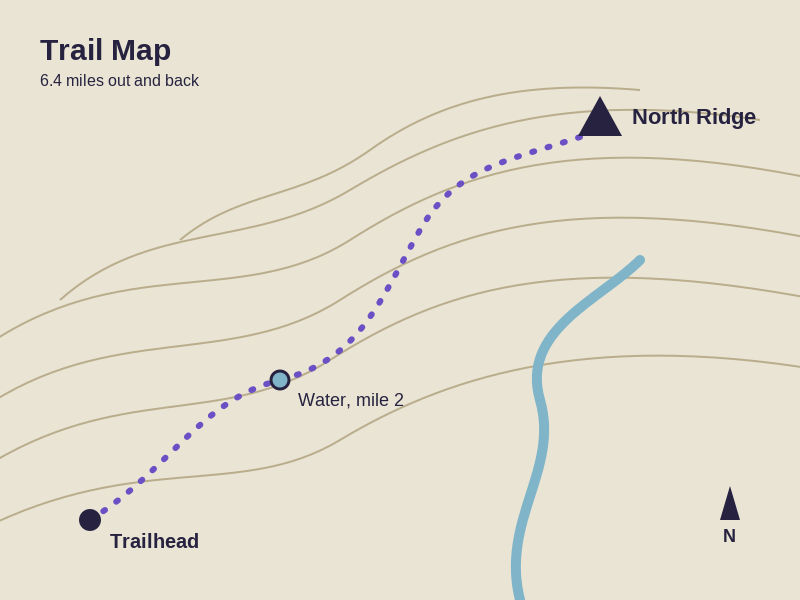
The trail is open. Check the map before you leave.
Status: draft
Textley is quick whether you’re fixing a config file, moving between source files, or checking a draft. The editor is ready as soon as a file opens.
Open files sit in the sidebar as tabs. Each one keeps its own edits, undo history, selection, and scroll position. Move any tab to its own Mac window to see two files side by side.
Press ⌘F for match counts, case and whole-word options, and regular expressions with capture groups. One Undo reverses Replace All. An invalid pattern changes nothing.
Add the folders you work in. The sidebar shows their text, Markdown, and image files, and updates when something changes on disk. Removing a folder from Textley leaves its files alone.
Textley picks the language from the filename. You can override it for any tab.
Trim trailing spaces, change case, or sort lines. Commands use your selection, or the whole file when nothing is selected.
Textley keeps a file’s encoding, byte-order mark, line endings, and final newline unless you change them. If another app edits a file while you have unsaved work, Textley asks before overwriting.
Standard menus and shortcuts, light and dark appearance, VoiceOver, and input methods. Line numbers, soft wrap, Go to Line, and a line and column indicator are there when you want them.
Switch a Markdown file between the source and a rendered Preview in the same tab. Preview shows your unsaved changes, so you can check a draft before it reaches disk.
Textley has a local MCP server built in. Connect an agent to the open app and it can find files in your folders, read them, and make edits with revision checks. Access is off until you turn it on, and you choose read only or read and write.
Read the release checklist, replace the due date with Friday, and save the file.
Done. The checklist is due Friday now, and the file is saved.
I found the checklist and read it. Textley is set to Read only, so I haven’t changed anything.
Documents stay wherever you save them. Textley keeps only editor preferences, recent files, and the folders you opened.
The editor and Markdown preview work offline. There’s nothing to sign in to.
The MCP server listens on this Mac only and needs an access token kept in Keychain. Turn it off or rotate the token at any time. How agent access works
For Apple silicon Macs running macOS 14 or later. No account, and nothing to pay.

Our Discord community. Ask questions, get Textley support in #textley-support, and get updates on new builds straight from the team.
Protomota is Brad Dunlap’s independent studio for apps, creative tools, and experiments.
Explore the studio OpenTalonA personal Kanban board for Mac.
Mac app available · iPhone and iPad companions coming soon
 InkspringCraft and schedule social posts on your Mac.
Mac app available · iPhone and iPad companions coming soon
 JotleyOn-device voice notes and transcripts.
Available on the App Store
 GlimmerA gentle spiritual life coach for minds too busy thinking.
Mac app available · iPhone and iPad companions coming soon
 PulseCanvas StudioTurn music into video that moves to the beat.
Available on the App Store
 VoxleyPrivate dictation for Mac.
Mac app available
 AI Resource ProFree tutorials and videos for learning AI.
Website · airesourcepro.com